KNX Database
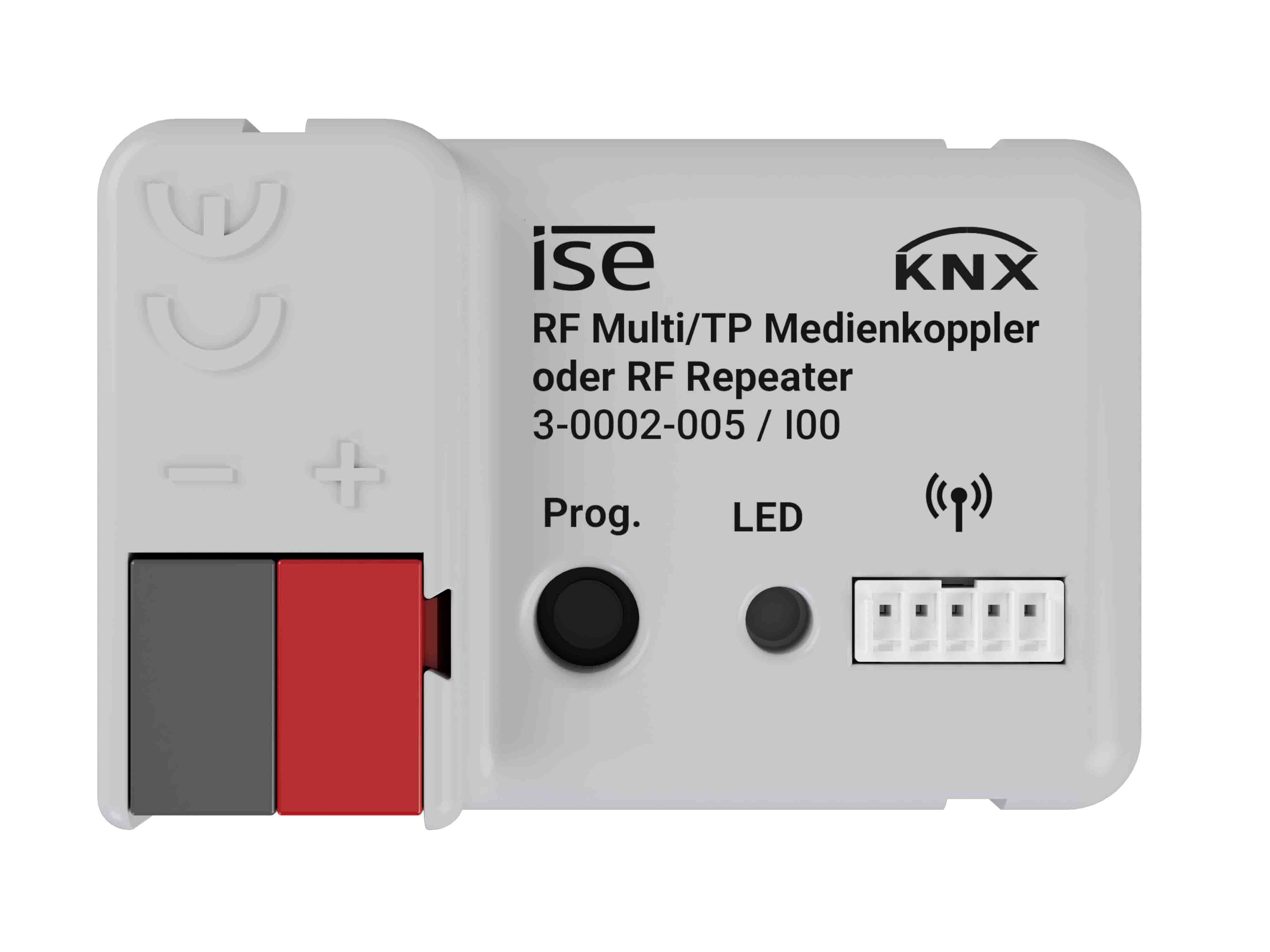
ise GmbH 3-0002-005 KNX RF Ready/TP media coupler or RF repeater

KNX RF Ready/TP media coupler or RF repeater 3-0002-005

ise GmbH · Order number 3-0002-005 · Systemgeräte

RF Ready; Secure;

Download .knxprod RF Ready/TP media coupler or RF repeater 1.3 · 425 KB

Product

Manufacturerise GmbH
Product nameKNX RF Ready/TP media coupler or RF repeater
Order number3-0002-005
Product textKNX RF Ready/TP Medienkoppler oder RF Repeater
HardwareKNX TP/RF-Ready Medienkoppler
MediumKNX RF
Bus current (mA)8
Rail mountedNo
Device kindCoupler
RegistrationCertified · 2023-08-30
Languagesen-US, de-DE
Catalog entryM-007C_H-ISMKRTRF01-1_HP-001D-13-4B99_CI-3.2D0002.2D005.20.20.20-1
Fingerprint4B99
SHA-256c4e01f6284cf1520aaf8b8d91bb7bd95e26179b91bb88014cdcff902f312ee82
First seen2026-11-25
Markets60 markets

Application program: RF Ready/TP Medienkoppler oder RF Repeater 1.3

Application number$001D
Version1.3
Mask versionMV-2920 (Coupler 2920)
KNX Data SecureYes
Minimum ETS version5.0
Parameters26
Group objects0
Group objects (0)
NoNameFunctionSizeDPTFlags
Parameters (9)
ParameterTypeDefault
physikalisch adressierte Telegrammelistfiltern (empfohlen)
Bei Fehler wiederholenlistja
physikalisch adressierte Telegrammelistnur bei Weiterleitung
Gruppentelegrammelistfiltern (empfohlen)
Gruppentelegrammelistnur bei Weiterleitung
Broadcast-Telegrammelistweiterleiten
Bestätigenlistnur bei Weiterleitung
Physikalische Adresse des Gerätslistx.y.0 (Medienkoppler)
Programmierung des Medienkopplers über die RF-Linie unterbindenunsignedInt 0…10

Version history

ApplicationApp noFingerprintFirst seenSizeFile
RF Multi/TP media coupler 1.4 latest$001CE8022026-11-25427 KBDownload
RF Multi slow repeater 1.4$001FC8B42026-11-25433 KBDownload
RF Multi fast repeater 1.4$001E2FF42026-11-25433 KBDownload
RF Ready/TP media coupler or RF repeater 1.3$001D4B992026-11-25425 KBDownload

About this file

This is the official ETS product database for the ise GmbH KNX RF Ready/TP media coupler or RF repeater (3-0002-005), published by the manufacturer in the KNX online catalog. To use it, open ETS, go to Catalogs → Import and choose the downloaded .knxprod file. The device then appears in your catalog and can be added to a project. Older versions are kept so existing projects can be matched to the application program they were commissioned with.
More from ise GmbH

All ise GmbH products