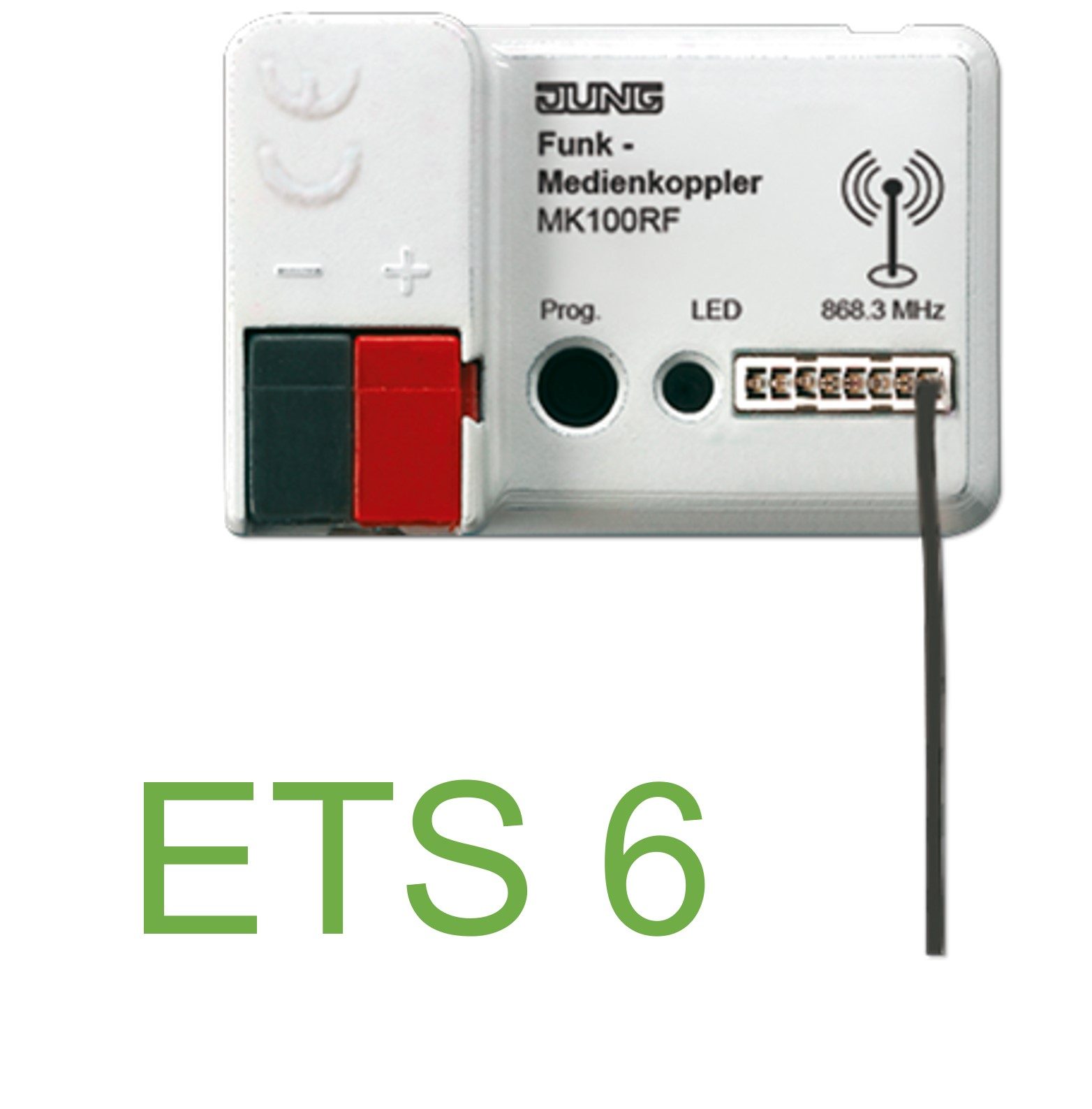
RF radio converter MK100RF
 Albrecht Jung · Order number MK100RF · Radio › Systemgeräte
Download .knxprod Media coupler/segment coupler 902211 1.1 · 121 KB
Product
| Manufacturer | Albrecht Jung |
|---|---|
| Product name | RF radio converter |
| Order number | MK100RF |
| Product text | RF Funk-Medienkoppler |
| Hardware | RF-Medienkoppler |
| Medium | KNX RF |
| Bus current (mA) | 6 |
| Rail mounted | No |
| Device kind | Coupler |
| Registration | Registered · 2016-03-02 |
| Languages | de-DE, en-US, es-ES, fr-FR, nl-NL, it-IT, ru-RU |
| Catalog entry | M-0004_H-4.20.2F.2F.20MK100RF-1-O000A_HP-9022-11-51DE-O000A_CI-MK100RF-2 |
| Fingerprint | 51DE |
| SHA-256 | 45b4e87123286efb8c30685ae9452cbeda0c74c2f9921615270977fb6416c30b |
| First seen | 2026-11-25 |
| Markets | 59 markets |
Application program: Media coupler/segment coupler 902211 1.1
| Application number | $9022 |
|---|---|
| Version | 1.1 |
| Mask version | MV-2920 (Coupler 2920) |
| KNX Data Secure | No |
| Minimum ETS version | 6.0 |
| Parameters | 22 |
| Group objects | 0 |
Group objects (0)
| No | Name | Function | Size | DPT | Flags |
|---|
Parameters (13)
| Parameter | Type | Default |
|---|---|---|
| Group telegrams | list | filter |
| Group telegrams | list | yes |
| Broadcast telegrams | list | yes |
| physically addressed telegrams | list | yes |
| physically addressed telegrams | list | only if transmitted |
| Group telegrams | list | only if transmitted |
| Broadcast telegrams | list | transmit unfiltered |
| physically addressed telegrams | list | filter (depending on target & coupler address) |
| Repeater function when used as media coupler | list | deactivated |
| Function of yellow status LED | list | deactivated |
| Configuration via | list | TP and RF |
| Physical address of device x = area y = line | list | x.y.0 (media coupler in RF line) |
| Repeater function when used as segment coupler | list | deactivated |
Version history
| Application | App no | Fingerprint | First seen | Size | File |
|---|---|---|---|---|---|
| Media coupler/segment coupler 902211 1.1 latest | $9022 | 51DE | 2026-11-25 | 121 KB | Download |
| Media coupler/repeater 902011 1.1 | $9020 | 4E78 | 2026-11-25 | 70 KB | Download |
About this file
This is the official ETS product database for the Albrecht Jung RF radio converter (MK100RF), published by the manufacturer in the KNX online catalog. To use it, open ETS, go to Catalogs → Import and choose the downloaded .knxprod file. The device then appears in your catalog and can be added to a project. Older versions are kept so existing projects can be matched to the application program they were commissioned with.
More from Albrecht Jung
- RF push-button 1-gang ..10911STRF..
- RF push-button 2-gang ..10921STRF..
- Radio push-button module 1-gang 4071RFTSM
- Radio push-button module 2-gang 4072RFTSM
- Radio push-button module 3-gang 4073RFTSM
- Radio push-button module 4-gang 4074RFTSM
- RF radio transmitter module 1-gang 5071RFTSM
- RF radio transmitter module 2-gang 5072RFTSM
- RF radio transmitter module 3-gang 5073RFTSM
- RF radio transmitter module 4-gang 5074RFTSM
- Radio hand-held transmitter 2-gang HS2RF
- Radio hand-held transmitter 4-gang HS4RF