KNX Database
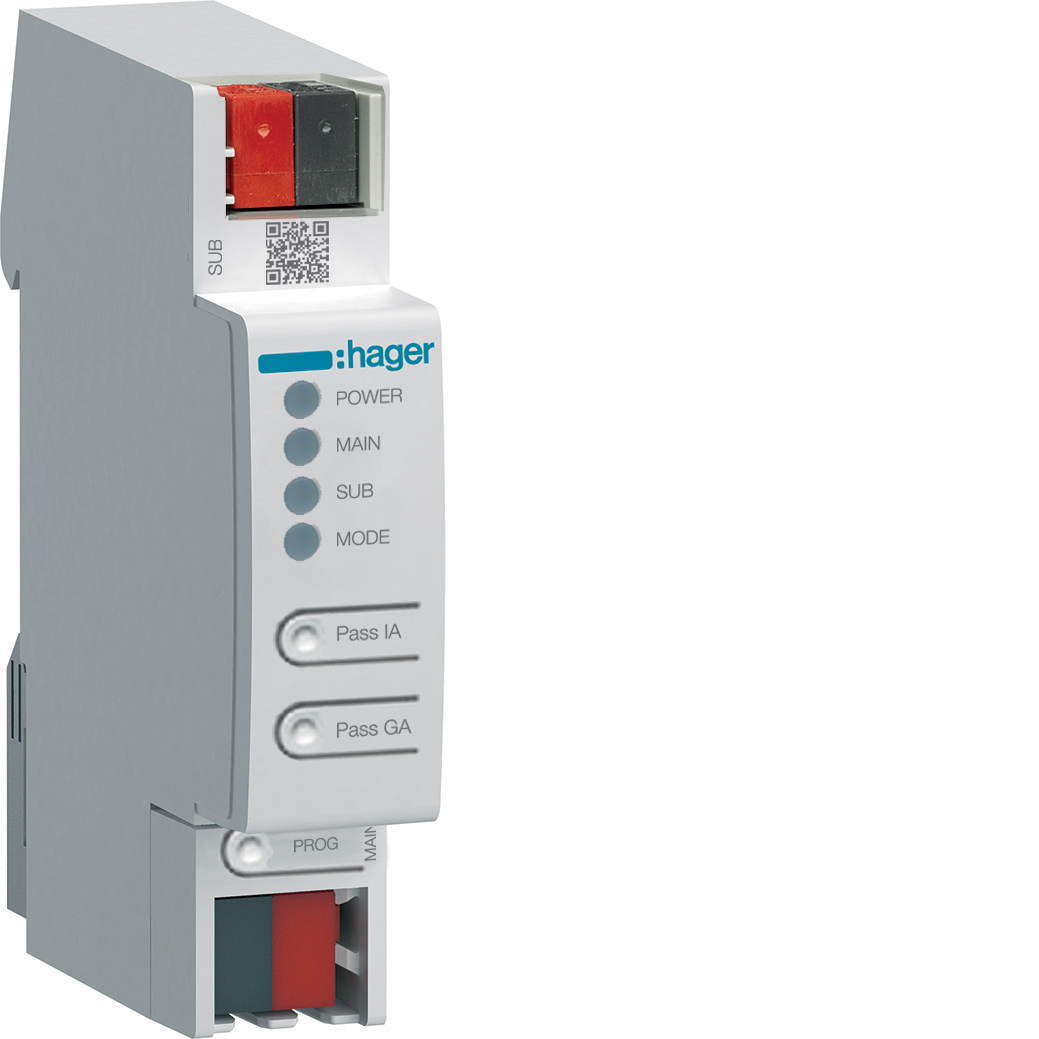
Hager Electro TYFS130 Area/Line coupler Secure (ETS5)

Area/Line coupler Secure (ETS5) TYFS130

Hager Electro · Order number TYFS130 · System device › Coupler de lignes

Line/area coupler KNX Secure

Download .knxprod STYFS130 (ETS5) 1.1 · 221 KB

Product

ManufacturerHager Electro
Product nameArea/Line coupler Secure (ETS5)
Order numberTYFS130
Product textLine coupler
HardwareBereichs-/Linienkoppler Secure
MediumTwisted Pair
Bus current (mA)9
Rail mountedYes
Width (mm)18
Device kindCoupler
RegistrationCertified · 2023-11-15
Languagesfr-FR, de-DE, en-US
Catalog entryM-0009_H-9.20.2F.2F.20TYFS130-1-O000A_HP-C801-11-43CD-O000A_CI-TYFS130-1
Fingerprint43CD
SHA-256ee86fb0fe0a037d36d290cfc377453a413aadef32f9d2c261ff32a38c7027fd6
First seen2026-11-25
Markets69 markets

Application program: STYFS130 (ETS5) 1.1

Application number$C801
Version1.1
Mask versionMV-0912 (Coupler 0912)
KNX Data SecureYes
Minimum ETS version5.0
Parameters42
Group objects0
Group objects (0)
NoNameFunctionSizeDPTFlags
Parameters (15)
ParameterTypeDefault
Main groups 0...13listfilter
Main groups 14...31listforward unfiltered
Group addresseslistRepeat
BroadcastlistRepeat
Physical addresseslistRepeat
Physical addresseslistonly if forwarded
Group addresseslistonly if forwarded
Broadcastlistforward unfiltered
Physical addresseslistfilter (depending on target and coupler address)
Operating modelistArea / Line coupler
Parameter1picture
Number of repetitionslist3
_Allg_Pic_ETS6picture
Manual operationunsignedInt 0…11
Duration of forwardinglistunlimited

Version history

ApplicationApp noFingerprintFirst seenSizeFile
STYFS130 (ETS5) 1.1 latest$C80143CD2026-11-25221 KBDownload
STYFS130 (ETS6) 1.1$C800F1B72026-11-25229 KBDownload
STYFS130 (ETS5) 1.0$C801B3792026-11-25219 KBDownload
STYFS130 (ETS6) 1.0$C8006ED32026-11-25229 KBDownload

About this file

This is the official ETS product database for the Hager Electro Area/Line coupler Secure (ETS5) (TYFS130), published by the manufacturer in the KNX online catalog. To use it, open ETS, go to Catalogs → Import and choose the downloaded .knxprod file. The device then appears in your catalog and can be added to a project. Older versions are kept so existing projects can be matched to the application program they were commissioned with.
More from Hager Electro

All Hager Electro products